Campaign basics
Every province has its own troops, population and stockpile. Steel, Oil and Food are produced locally and stop accumulating when that province reaches its Warehouse capacity. Sending troops removes them from the province until they physically return.
There is no invisible global army and no instant raid payout. If the formation is on the road, the troops and anything they are carrying are still on the road.
Neutral provinces are part of the same living campaign. Their local resources grow under the same production and Warehouse rules, while their buildings, garrisons and scout screens continue developing as the world gets older.
Movement and travel time
The slowest unit sets the pace for the whole formation. Mixing one artillery piece into a fast tank raid slows the entire force.
Normal attack travel also includes a small fixed departure time. Recon missions use their own route timing: 35 seconds departure plus 58 seconds per sector. Occupation forces carrying an Occupation Officer are deliberately slower, with a minimum formation pace of 165 seconds per sector.
Combat: build a force for the job
Combat is not a single attack number. MG teams punish infantry-heavy formations. AT guns become much more valuable when armor appears. Light Tanks are now deliberately attack-oriented: fast and dangerous on offense, but less efficient when parked in defensive formations. Medium Tanks apply breakthrough pressure to infantry and MG lines. Artillery suppresses fortifications while the battle is happening, but is a poor frontline defensive unit.
Terrain helps the defender: Forest, Hills and especially Urban provinces are harder to crack. Bunkers multiply defensive power on top of terrain, so attacking a fortified city with only infantry is intentionally painful.
A serious bombardment can knock one or more levels off the target Bunker. A winning attack can cause up to three levels of damage in one battle. A failed but very heavy bombardment can still cause limited damage.
Unit roles
| Unit | Cost | Pop | Travel / sector | Attack | Defense | Good at | Watch out for |
|---|---|---|---|---|---|---|---|
| Rifle Infantry | 1 Steel + 4 Food | 1 | 75s | 1.0 | 1.15 | Cheap mass, raids, absorbing losses | MG fire, armor, fortified positions |
| MG Team | 5 Steel + 8 Food | 3 | 75s | 2.4 | 3.8 | Infantry-heavy armies, defensive lines | Armor and AT-supported breakthroughs |
| Anti-Tank Gun | 12 Steel + 1 Oil + 10 Food | 4 | 95s | 3.2 | 4.0 | Light and medium armor | Infantry mass, fast operations |
| Field Artillery | 15 Steel + 1 Oil + 11 Food | 5 | 95s | 4.0 | 3.4 | Bunkers and prepared positions | Fast raids, direct defensive combat |
| Light Tank | 24 Steel + 9 Oil + 12 Food | 6 | 45s | 6.0 | 5.2 | Fast raids, offensive mobility, exposed soft targets | AT guns, static defensive duty |
| Medium Tank | 38 Steel + 16 Oil + 16 Food | 8 | 70s | 8.0 | 8.5 | Breakthroughs, infantry/MG lines, heavy hauling | Dedicated AT defenses |
| Recon Scout | 3 Steel + 7 Food | 2 | 58s recon | — | — | Intelligence, terrain/Bunker/garrison reconnaissance | Enemy scout screens; carries no loot |
| Occupation Officer | Officer Commission | 0 | 165s min. | — | — | Reducing Command Authority and capturing provinces | Does not add combat power; can be lost with a destroyed occupation force |
Attack and Defense are read directly from the live combat balance for regular combat units. Matchup bonuses, combined-arms effects, terrain and Bunkers are applied on top. Recon Scouts and Occupation Officers deliberately show no normal Attack/Defense value because they use separate systems and do not contribute ordinary combat power.
Recon Scouts only fight other Scouts during reconnaissance and carry zero loot. Occupation Officers travel with a combat formation but do not increase its battle strength; their job is to turn a successful attack into Command Authority damage and eventual conquest.
Why build tanks?
Because they turn resources and population into mobile combat power. Light Tanks are the fastest combat unit, carry far more raid loot than infantry and now lean more clearly toward offense than static defense. Medium Tanks are slower than Light Tanks but hit much harder and are specifically better at breaking infantry/MG defensive lines.
Raids, loot and Bunkers
A raid never invents resources. The target can only lose what is actually in its local Steel, Oil and Food stockpiles.
- The province produces resources normally up to its Warehouse cap.
- The Bunker hides part of each local stockpile from raiders.
- Your surviving troops can only take from the unprotected amount.
- Their carrying capacity decides how much of that available amount fits.
- Loot arrives only when the surviving force returns home.
Each Bunker level hides 7.5% of each resource, up to 75% at Bunker Lv.10.
Recon Scouts and intelligence age
Recon Scouts cost 3 Steel + 7 Food each, use 2 population and require Barracks Lv.2. Selecting one or more Recon Scouts in Operations turns the formation into a reconnaissance mission. Regular troops may accompany the Scouts as an escort formation and return with the patrol. Scouts fight the opposing scout screen, carry no loot and use a route time of 35 seconds departure plus 58 seconds per sector.
Neutral provinces with Barracks Lv.2 or higher now maintain their own scout screens. Stronger neutral classes, higher Barracks levels and older worlds produce larger screens. Neutral scout losses recover gradually during the same 30-minute progression cycle as their normal garrison, so a successful scout battle creates a temporary intelligence opportunity rather than permanently removing reconnaissance resistance.
Full reconnaissance can reveal terrain, Bunker level and observed garrison composition. Partial reconnaissance provides terrain, Bunker and estimated garrison intelligence. A patrol that is repulsed but survives can still return basic terrain intelligence.
The command screen shows when the province was last scouted and a confidence label. After roughly six hours confidence begins dropping; after a full day the card is marked STALE.
The operation planner
The Operations planner is the shared formation builder for attacks and reconnaissance. Selecting regular combat troops issues an attack; adding Recon Scouts changes the order into a reconnaissance mission and may include regular troops as escort. Occupation Officers are selected directly in the same roster and enable occupation after a successful combat mission. The planner shows travel time, committed troop count, carrying capacity, intel confidence, known terrain and known Bunker level.
There is deliberately no exact win percentage. Recon can be old, battle variation exists and casualties change the force that survives to carry loot home.
Building progression
The settlement tree follows the actual construction gates used by the game. Command Center level opens the main branches, while Living Quarters independently determine whether your province has enough population to support the buildings and troops you want.
Settlement progression
The live tree is arranged from foundation to war economy. Deeper branches cross-connect, so rushing Command Center alone is not enough.
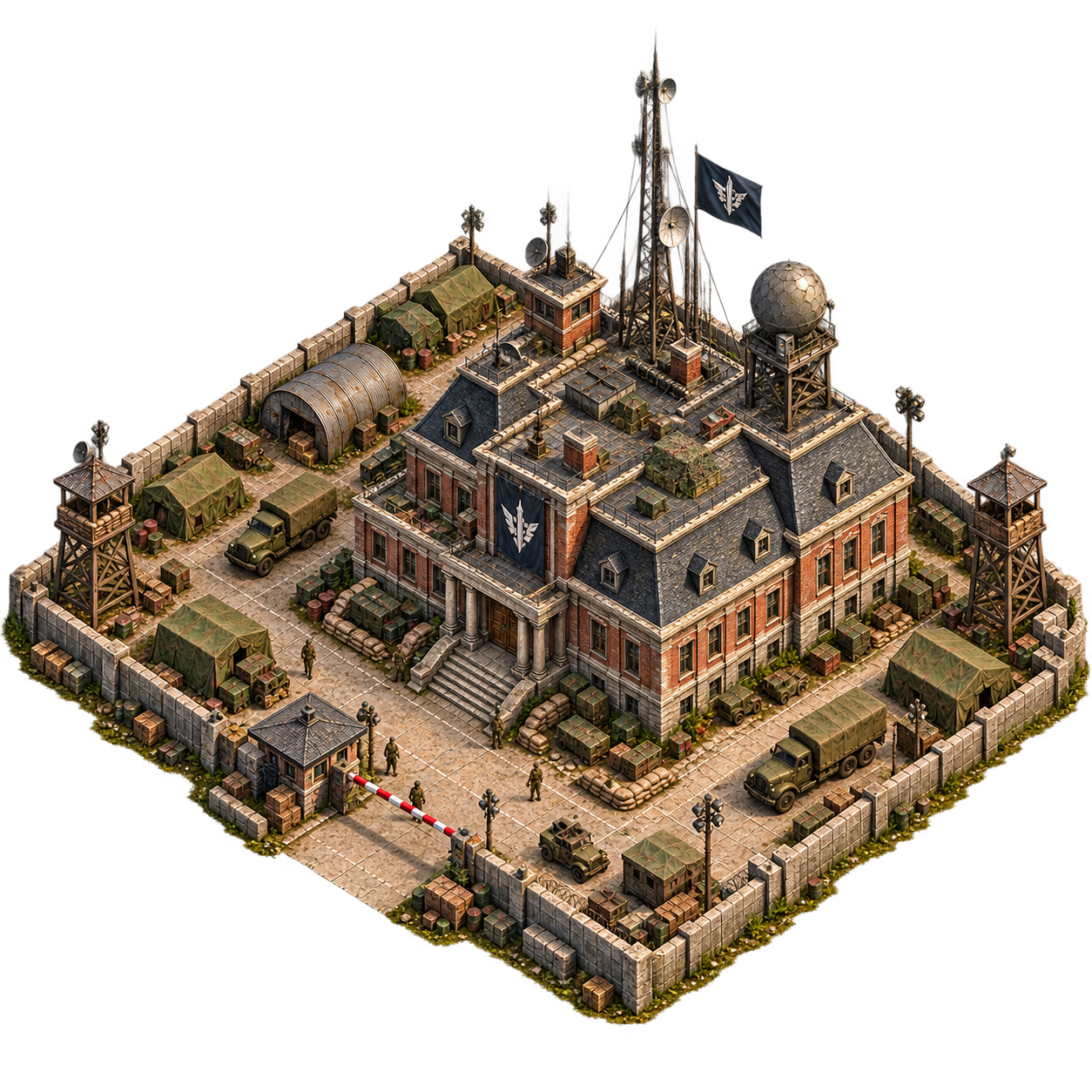 Command
Command Center
Core progression hub. Raises local production and opens the main settlement branches.
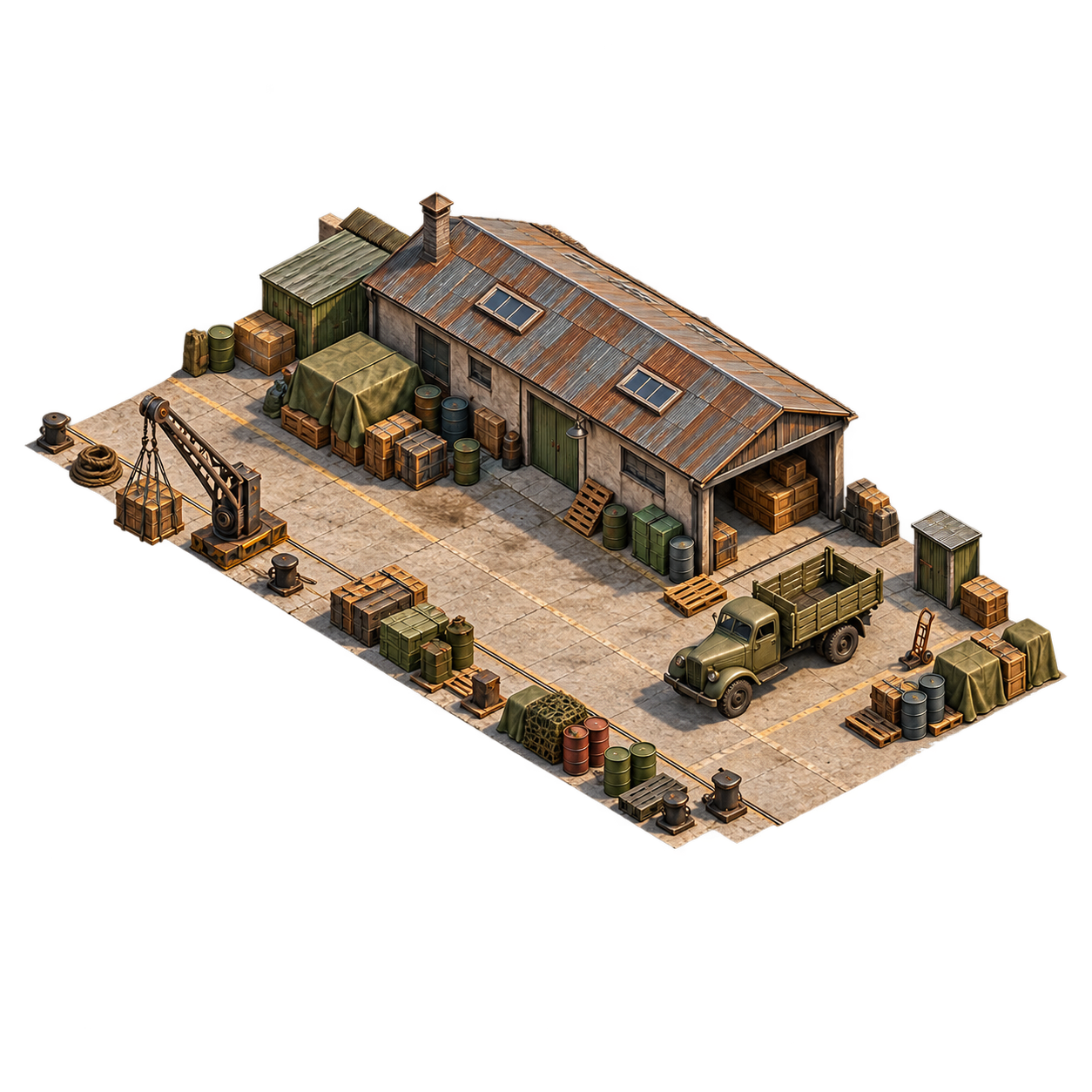
 Logistics
Warehouse
Raises local stockpile capacity and supports larger construction, recruitment and trade cycles.
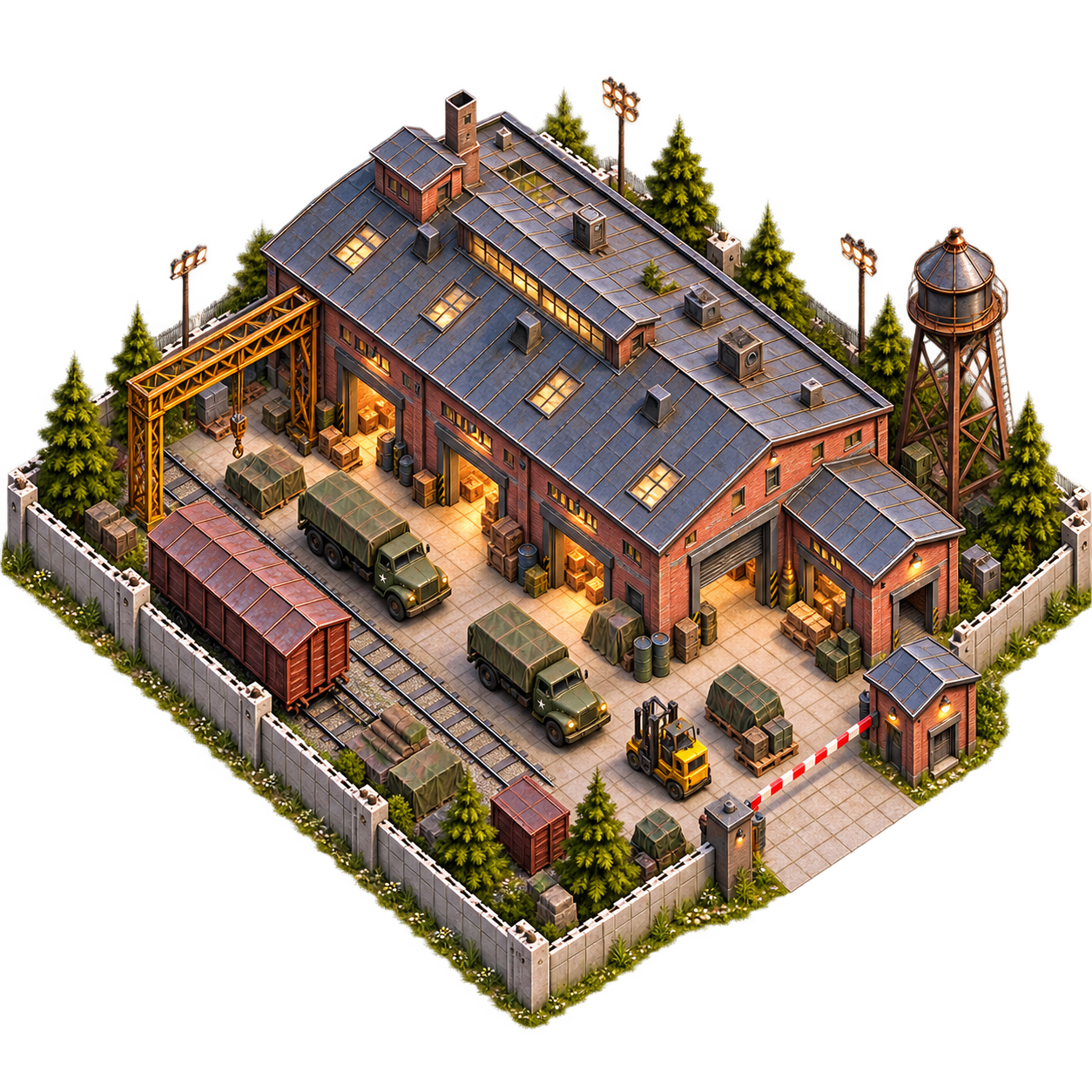
 Logistics
Supply Depot
Physical logistics branch: World Market access, convoy throughput and movement speed.
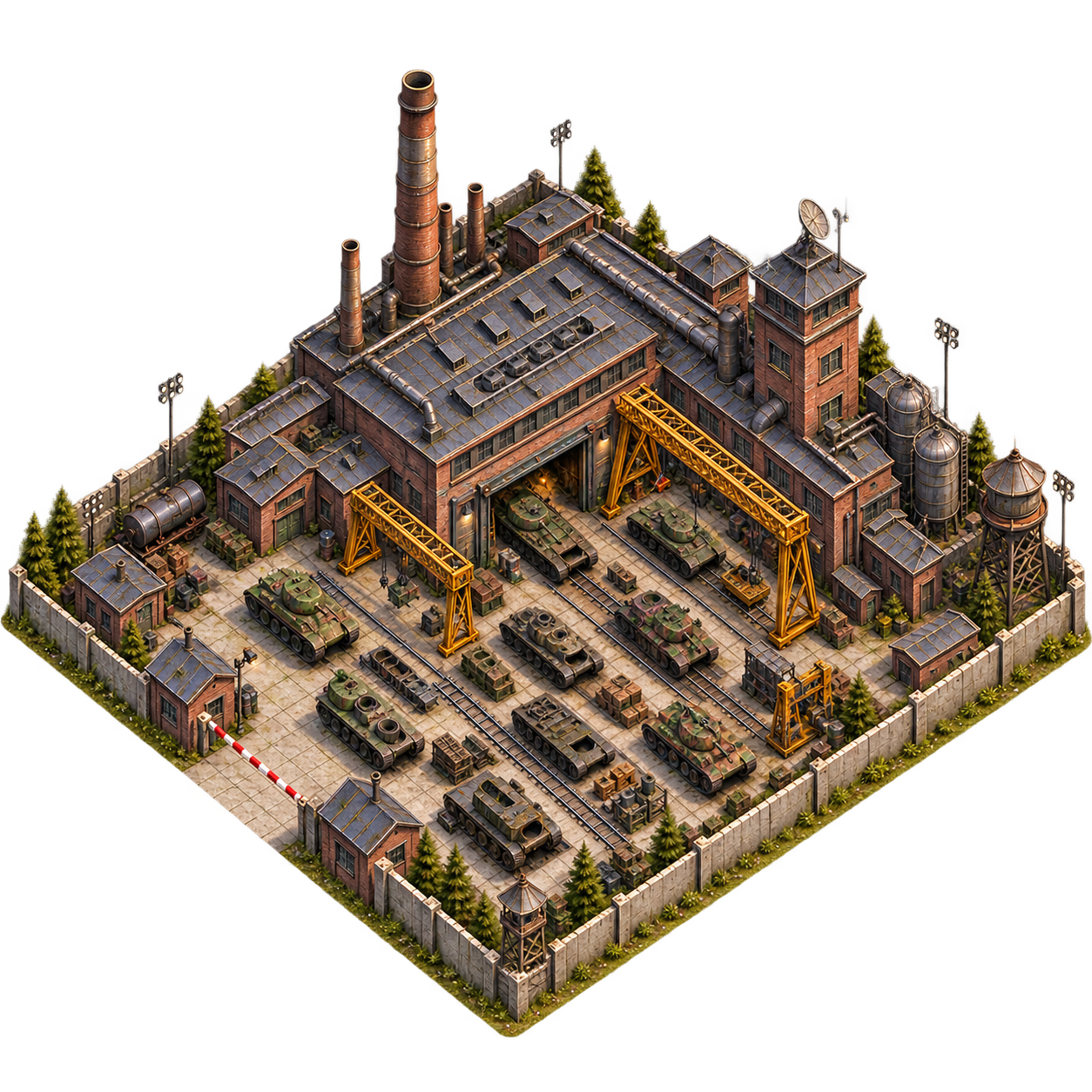 Military
Tank Factory
Deep military branch for mobile and heavy support forces. Requires manpower and industrial infrastructure.
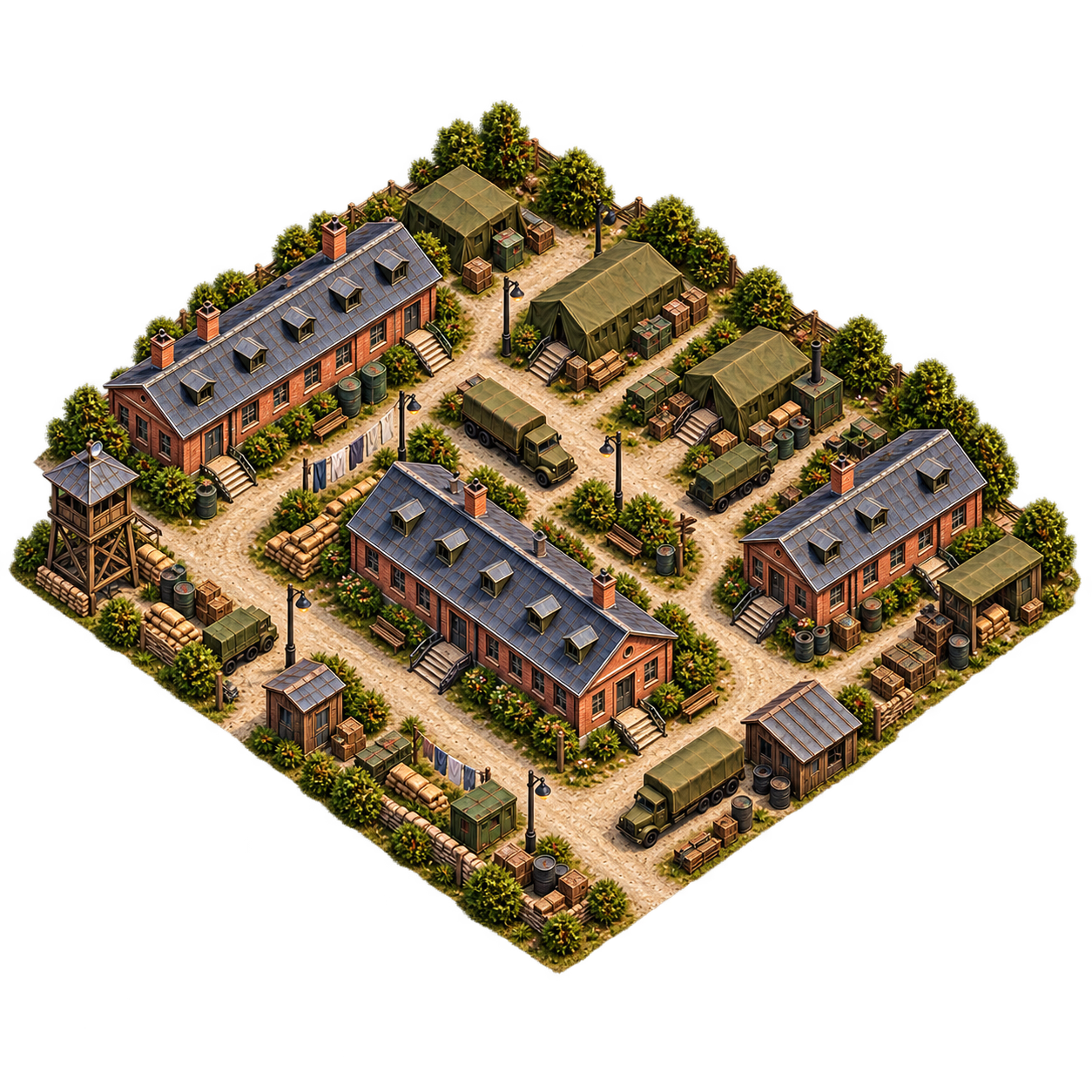 Civil
CivilLiving Quarters
Population ceiling for buildings, home forces, queues and deployed support.
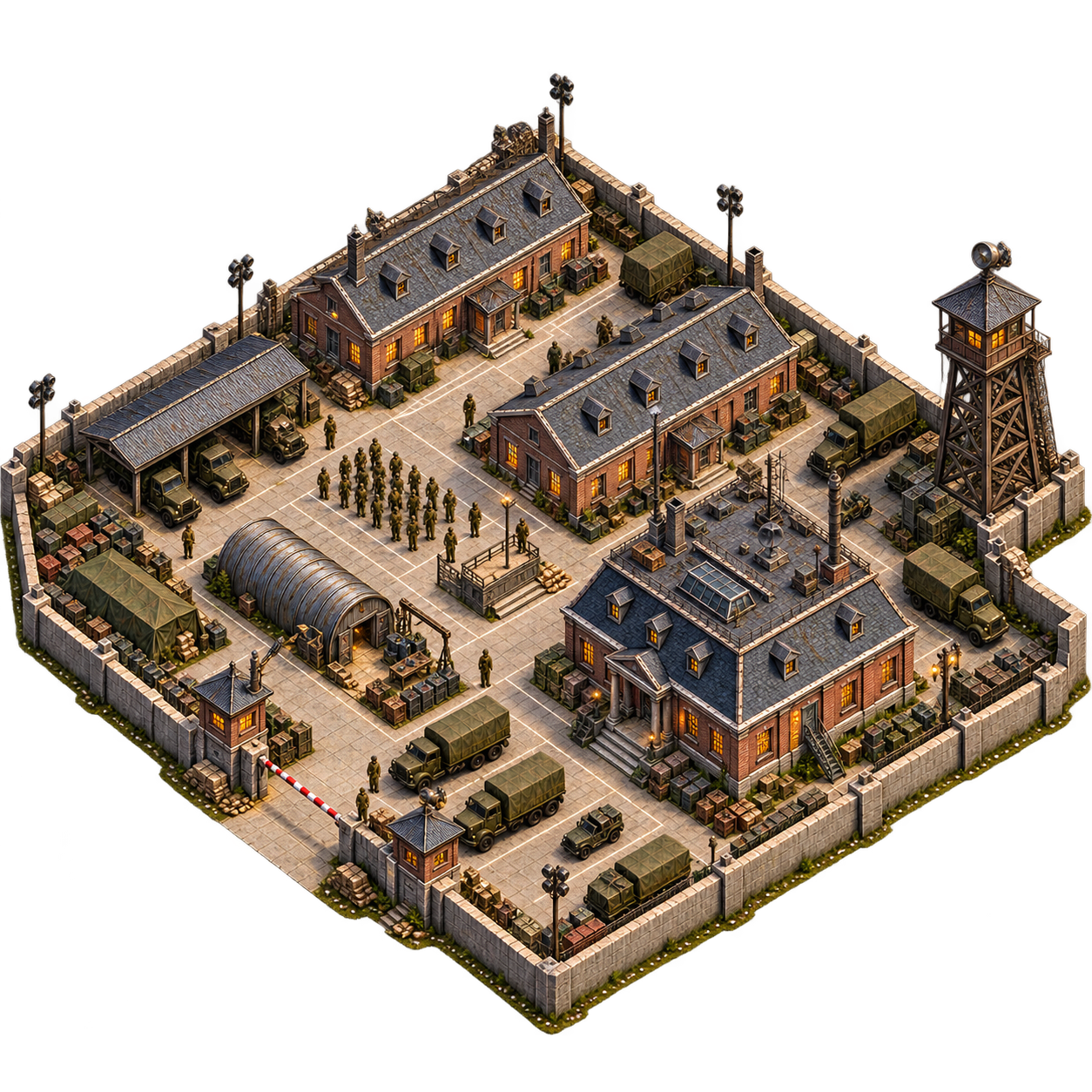 Military
Barracks
Primary manpower branch for Rifle Infantry, MG Teams, Anti-Tank Guns and Recon Scouts.
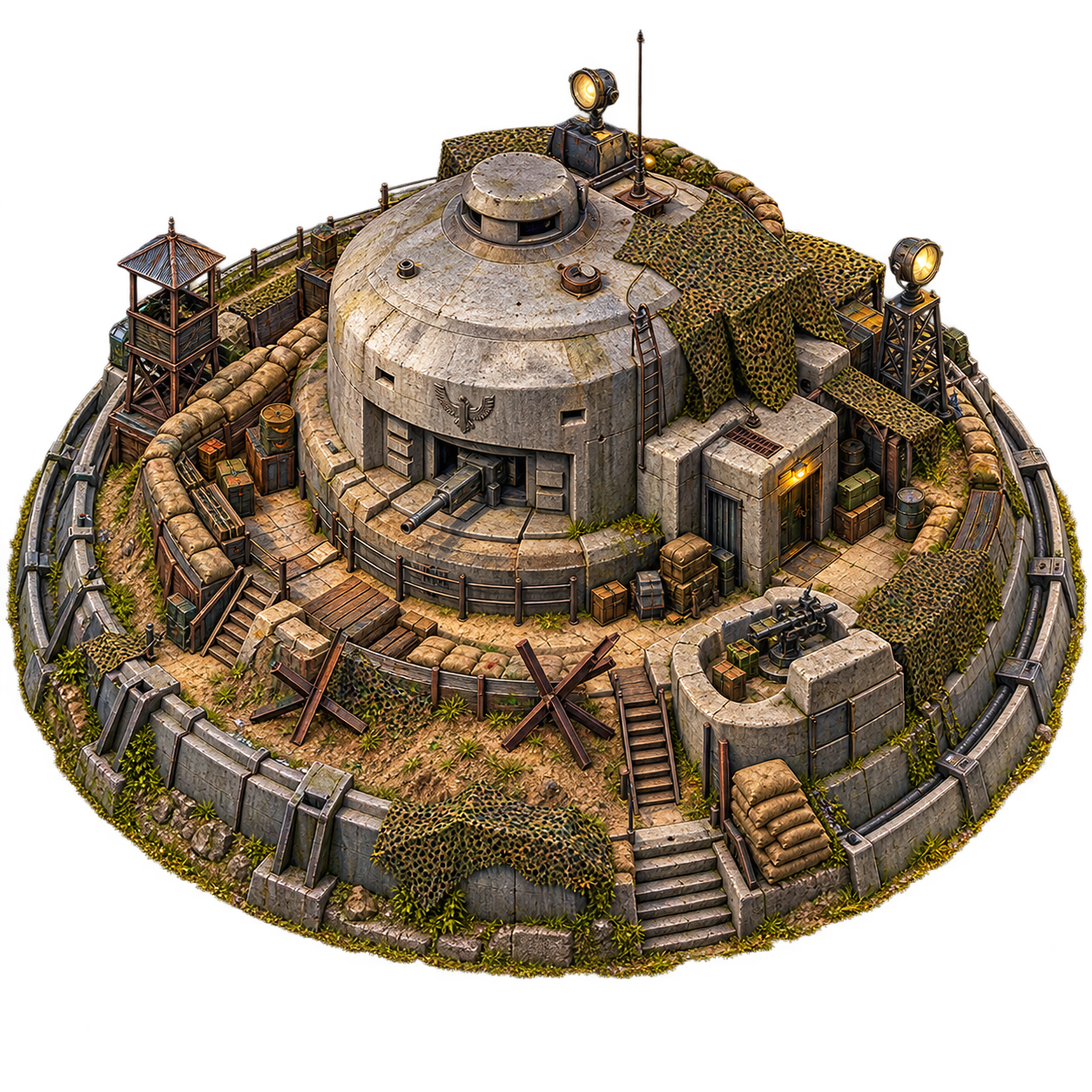 Defense
Bunker
Static defense branch. Improves defensive power and protects local resources from raids.
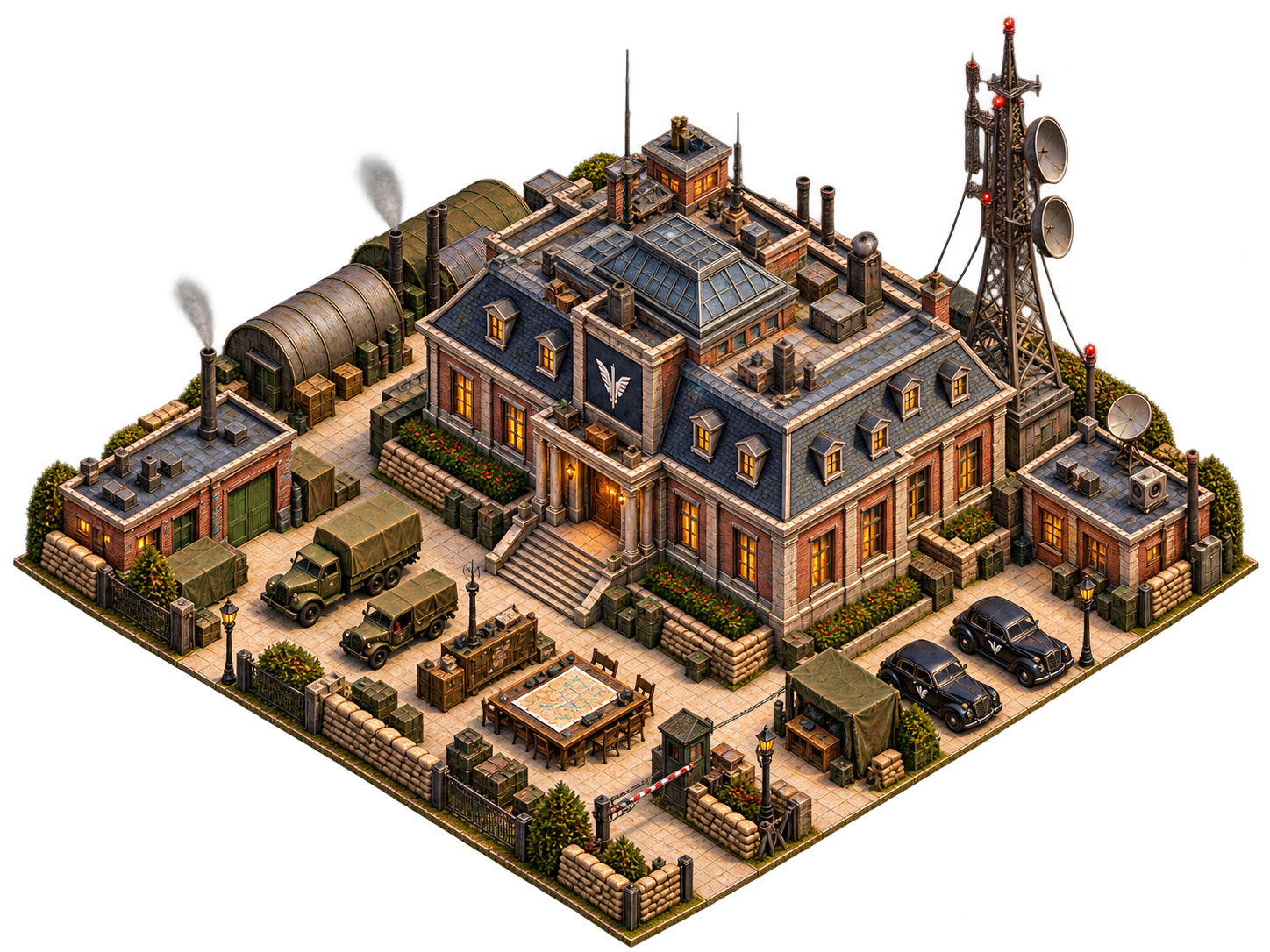 Strategic
War Office
Occupation command, Officer Commissions, commander slots and conquest administration.
 Civil
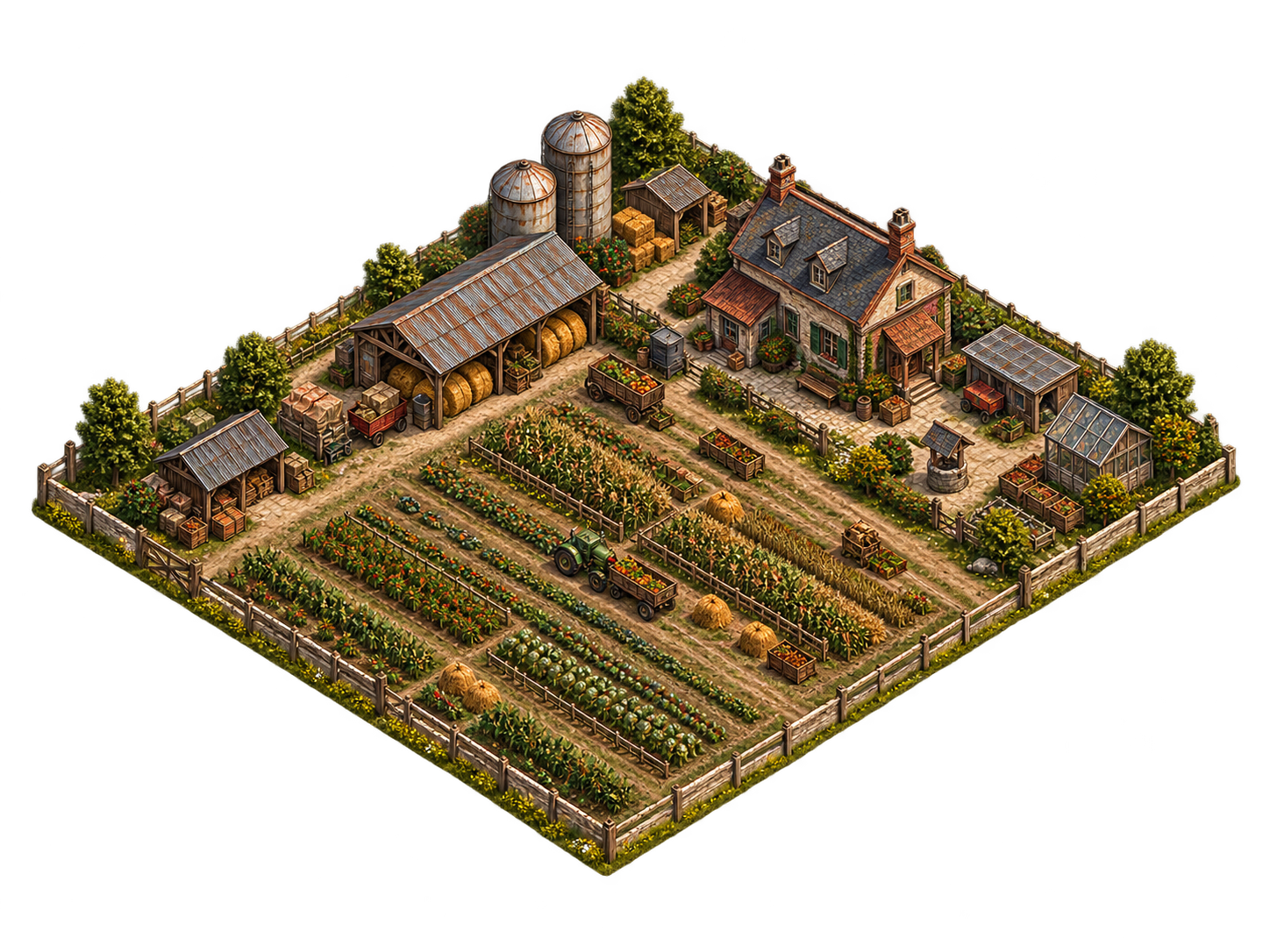
CivilFarm
Food production branch. Can continue growing long after Command Center reaches max level.
 Industry
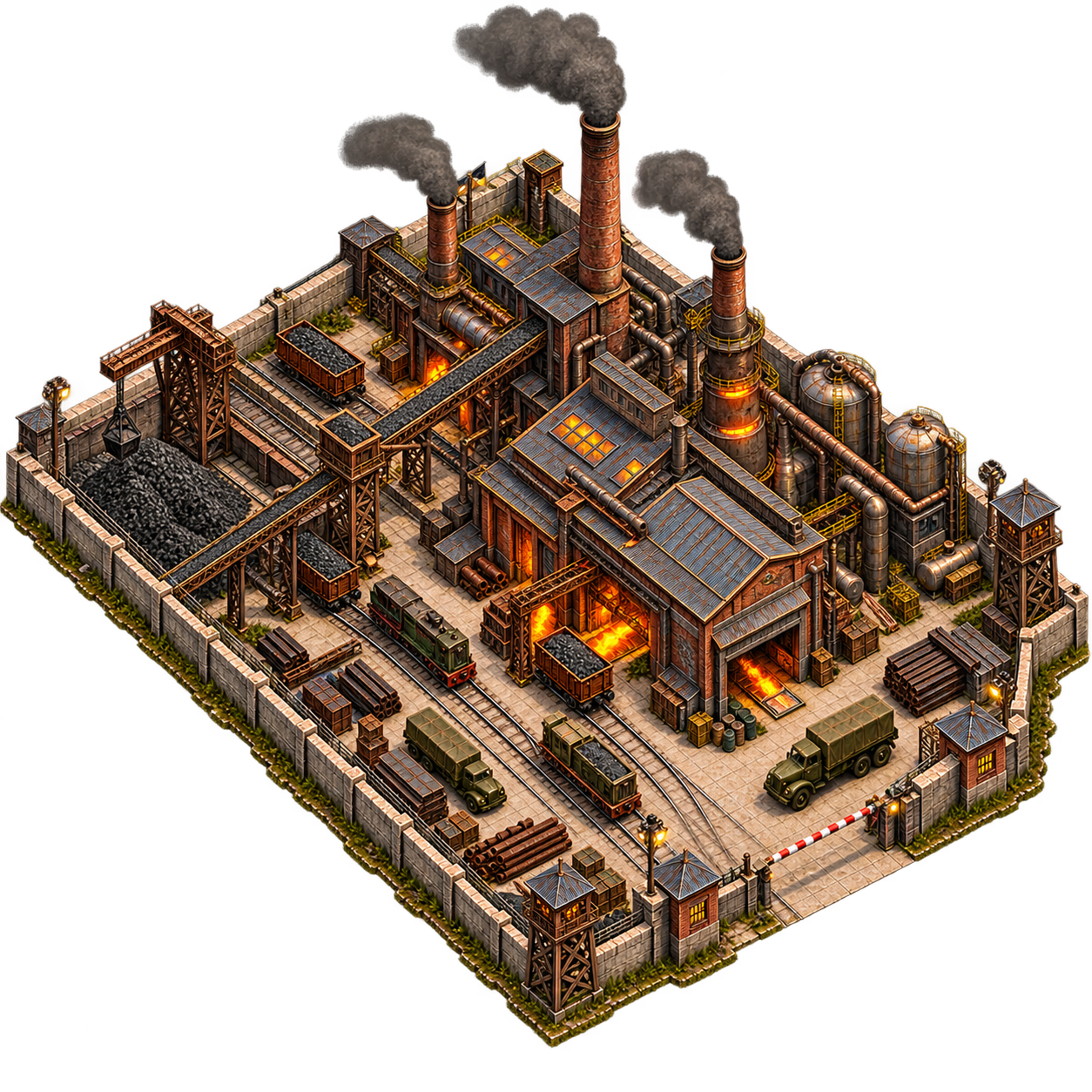
Steel Works
Steel production backbone for buildings, support weapons and armored production.
 Industry
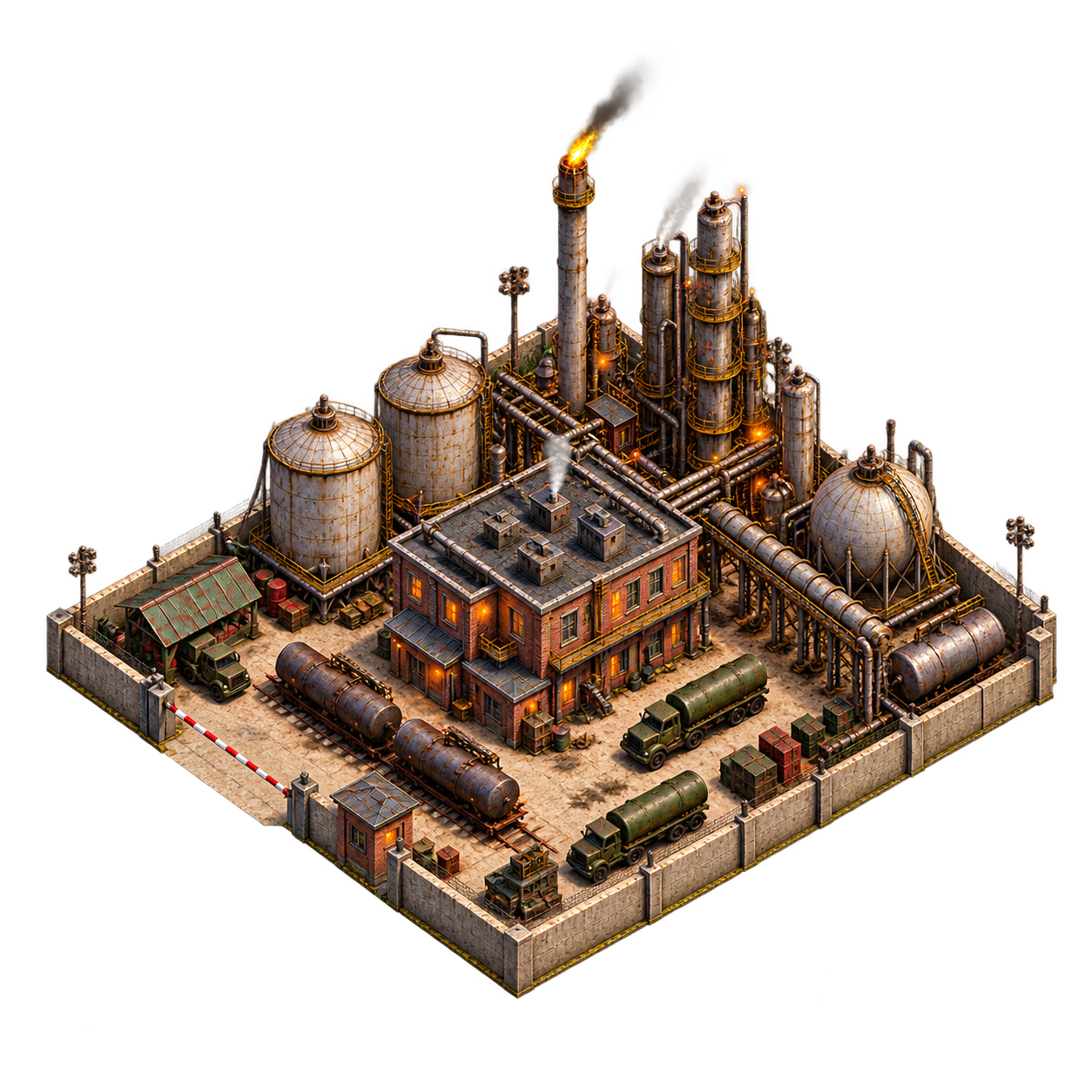
Oil Refinery
Oil production required for mobile warfare, armor and higher-tempo logistics.
 Strategic
Alliance Centre
Alliance founding and scaling member capacity for organized regional warfare.
Tank Factory requires Barracks, Steel Works and Oil Refinery. Supply Depot requires Warehouse. Your province therefore develops as a network instead of a straight HQ rush.
Farm, Steel Works, Oil Refinery and Living Quarters continue to Lv.30 even after Command Center reaches Lv.10. Their approved province artwork scales across the full progression.
Your province grows on the theater map
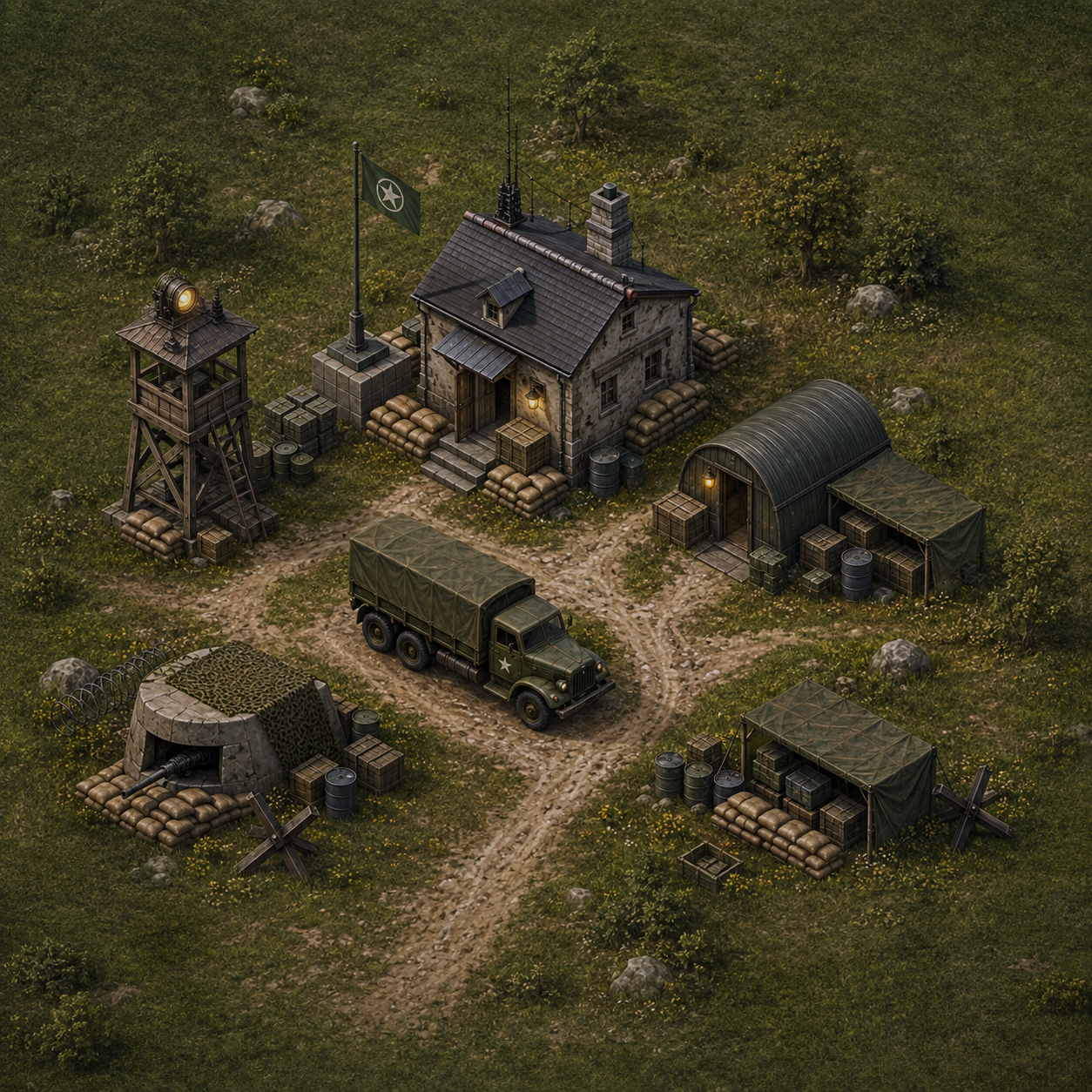
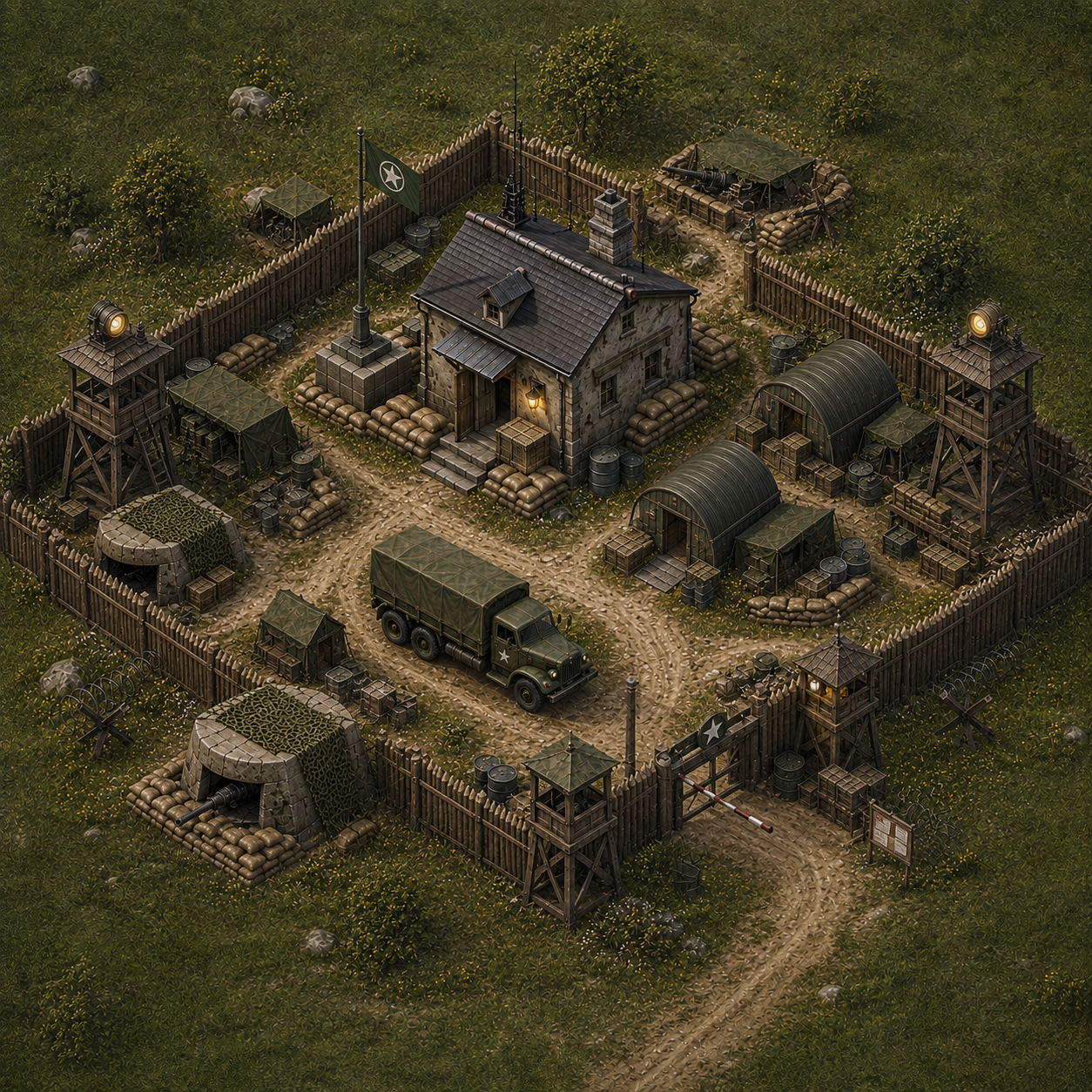
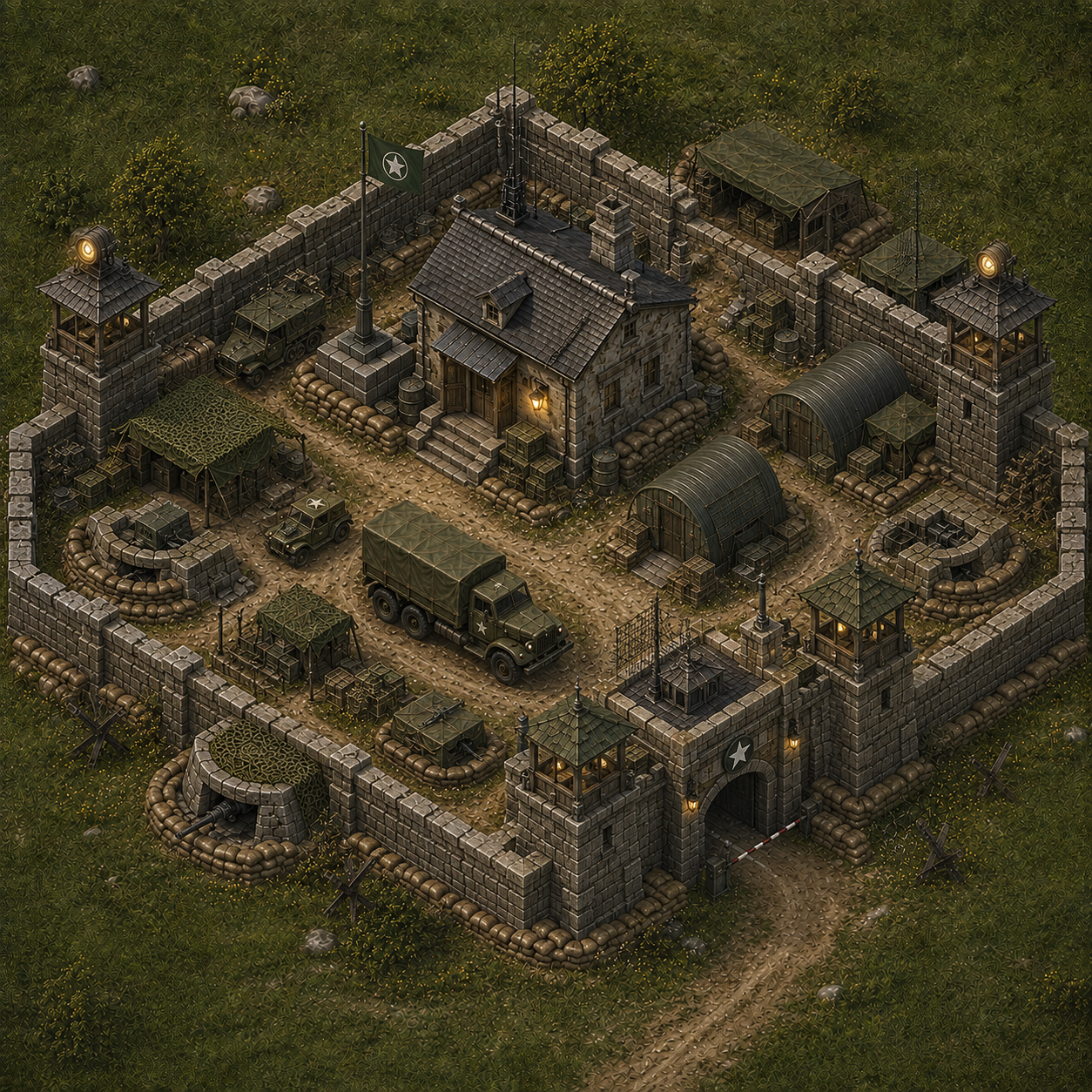
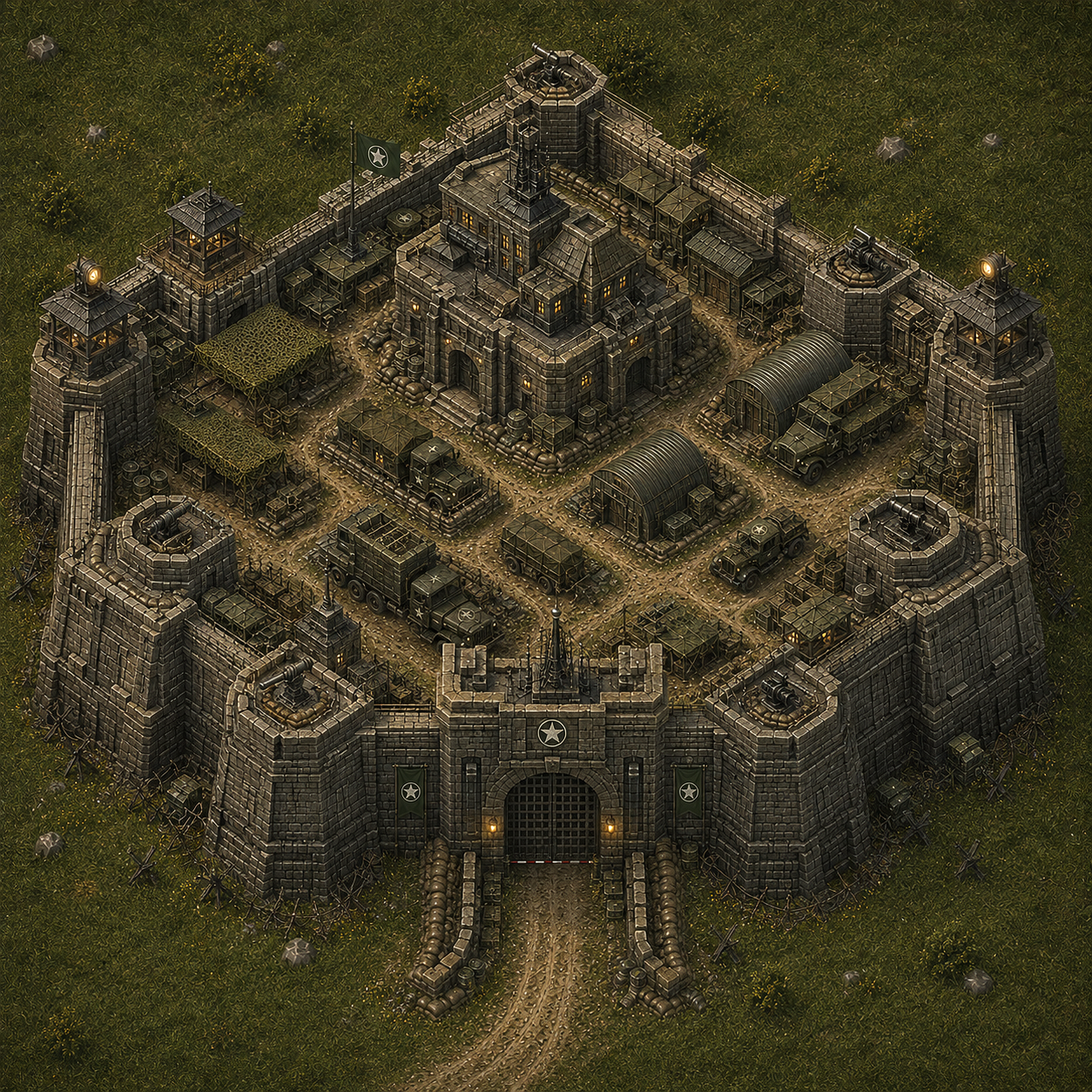
The world map uses total Province Points from normal building development. Crossing a threshold automatically swaps the settlement tile.
 TIER 1
Small settlement
The smallest village tile. Early building levels add points while the world-map silhouette stays modest.
 TIER 2
Developed settlement
At 3,000 province points the world-map art upgrades automatically into a visibly denser settlement.
 TIER 3
Major town
At 8,000 points the province becomes a major regional settlement on the theater map.
 TIER 4
Strategic city
At 15,000 points the province uses the largest current settlement artwork.
What the buildings actually do
Command Center increases total local Steel, Oil and Food production by 8% per level. Living Quarters set population capacity. Farm, Steel Works and Oil Refinery each progress to Lv.30 and add their resource production before the Command Center multiplier. Warehouse sets the hard local storage cap. Barracks trains Rifle Infantry (Lv.1), MG Teams and Recon Scouts (Lv.2), and Anti-Tank Guns (Lv.3). Tank Factory produces Light Tanks (Lv.1), Field Artillery (Lv.2) and Medium Tanks (Lv.3). Barracks and Tank Factory accelerate their own training and gain extra production queues at higher levels.
Command Center is capped at Lv.10. Living Quarters, Farm, Steel Works and Oil Refinery are the long progression buildings and reach Lv.30. Warehouse, Barracks, Supply Depot, Bunker and Tank Factory reach Lv.10.
Bunker gives +18% defensive power per level and hides 7.5% of each local resource per level from raids, up to 75%. Artillery can permanently destroy Bunker levels.
World Market access requires Supply Depot Lv.1 in the province using the market. The Depot also controls outbound convoy capacity and convoy speed. Lv.1–2 provides 1 simultaneous outbound convoy, Lv.3–4 provides 2, Lv.5–6 provides 3, Lv.7–8 provides 4 and Lv.9–10 provides 5. Each Depot level adds 10% convoy speed. Internal resource transfers and accepted market trades use the same physical outbound convoy slots.
An open market offer does not reserve a convoy slot. The slot is needed when another commander accepts the trade and the resources actually leave both provinces.
Special command buildings
War Office unlocks Officer Commissions and occupation command. It provides 1 commander slot from Lv.1, 2 from Lv.5 and 3 from Lv.8. Commission resource cost becomes 10% cheaper at Lv.3, 15% at Lv.5, 20% at Lv.7 and 25% at Lv.10.
Alliance Centre unlocks alliance founding at Lv.1. Every level raises the founder alliance's member capacity: 10 members at Lv.1, then +5 for every additional level, reaching 55 at Lv.10.
Upgrade gates now follow readable branches instead of unrelated formulas: basic economy can run ahead of HQ, military/logistics track close to HQ, Oil Refinery sits one step behind and Tank Factory is the deepest branch.
Raiding is not conquering
A normal victory does not hand you the province. Without an Occupation Officer, a winning force raids the target and comes home. An Occupation Officer lets successful attacks damage Command Authority. Reduce that authority to zero to capture the province.
An Officer contributes no normal Attack or Defense. The formation still has to win the battle using its actual combat troops. On a successful attack, the Officer enables Command Authority damage. Occupation formations move at a minimum of 165 seconds per sector, and an Officer is lost if the occupation force is completely destroyed.
Latest gameplay changes
The building roadmap now includes all 12 live province buildings and their approved artwork. Resource production buildings show their current Lv.30 progression, Tank Factory correctly lists Field Artillery at Lv.2, and the Operations documentation now reflects integrated Recon Scouts, escorted recon and selectable Occupation Officers.
The Raid/Conquest selector has been removed. Occupation Officers are now selected directly in the attack force roster; their presence determines whether a successful attack can proceed into occupation.
The enemy village window has been rebuilt as a larger military command screen. A persistent player dossier now includes commander points, campaign rank and alliance strength, while Operations and battlefield Dossier occupy a dedicated operational workspace.
The map village interaction has been rebuilt as an operations console with dedicated Operations and Dossier stations. Target identification, intelligence and reconnaissance now share one compact military UI instead of the previous card-and-tab dashboard layout.
Village command has been reduced to a smaller tactical overlay. Intel no longer embeds the full commander profile; it now presents only actionable target facts, known garrison and a compact commander reference.
The village attack board now uses explicit Raid and Conquest mission modes, denser force rows and a flatter mission summary. Desktop proportions have been reduced again and the visible internal scrollbar removed so the primary combat decision remains on one screen.
The enemy village attack flow has been rebuilt around a fixed command panel. Unit deployment uses compact rows with quick-select controls, secondary estimates have been collapsed to mission essentials, and the final raid or conquest order remains visible while configuring the force.
The map village interface now uses progressive disclosure: Attack, Recon and Intel each have a dedicated compact view. The window is viewport-bounded, duplicated target data has been removed, and commander details no longer compete with the primary military action.
The map village command interface now uses a focused target dossier, compact intelligence picture, integrated reconnaissance controls and a dedicated field-operation board. Commander information has been condensed so force selection, tactical assessment and issuing the final order remain the primary actions.
Selecting a village opens a redesigned, responsive command workspace. Military intelligence and reconnaissance are separated from the operation planner, with a clearer deployment roster, travel and logistics estimates, tactical warnings and explicit raid or conquest orders. Owned-village garrison, production and support controls remain available.
AI commanders can target human-controlled provinces only when their owner has more than 15,000 combined village points. At or below 15,000, AI-initiated attacks are disabled. Eligible players may be raided or attacked for conquest when AI strategy and available military strength permit it. AI commanders can still fight each other regardless of this threshold.
AI commanders now pay for buildings and units through the same construction and recruitment queues as human players. Building requirements, resource costs, population limits and production time apply to AI. War Office and Alliance Centre upgrades can no longer be granted instantly. New AI commanders begin with one province; existing Campaign #001 territory and armies remain intact.
Field Artillery is now produced at Tank Factory Lv.2 alongside Light Tanks (Lv.1) and Medium Tanks (Lv.3). Barracks trains Rifle Infantry, MG Teams, Anti-Tank Guns and Recon Scouts. Existing artillery orders remain in the queue. Recruitment panels now show unit roles and compact production summaries.
The seven-order tutorial now requires explicit objective completion and keeps the current screen open when dismissed. Headquarters, Barracks and Tank Factory command windows use more compact layouts.
New commanders now receive a seven-order guided introduction covering province command, Headquarters expansion, industry, recruitment, theater navigation and intelligence. SHOW ME actions open the relevant province building or command screen directly.
Tutorial rewards are issued as claimable supply packages instead of being forced directly into local stockpiles. New commanders begin with full resource storage and can claim earned packages when they have room for the supplies.
New starting provinces no longer begin with Steel Works or Refinery already constructed, allowing the industry tutorial and early building progression to play as intended.
The campaign map now uses more of the available command screen, shows basic province information on hover, identifies province commanders correctly and improves ownership and alliance control visibility.
Building management now opens as a floating command panel so the live province settlement remains visible behind the interface.
Neutral provinces with Barracks Lv.2+ now rebuild Recon Scout screens based on province class, Barracks level and world age. Scout losses recover gradually rather than instantly.
Recon Scouts and Occupation Officers now appear alongside the regular units in the Field Manual. Their separate recon and conquest mechanics are clearly distinguished from ordinary Attack and Defense combat stats.
Light Tanks now have 6.0 base Attack and 5.2 Defense, reinforcing their offensive mobility role. Artillery remains 4.0 Attack but drops to 3.4 Defense so its value comes from bunker suppression, breach and bombardment rather than frontline staying power. The Field Manual reads these values from the live combat constants to prevent documentation drift.
The Unit Roles table now shows the live base Attack and Defense value for every regular combat unit, with a note explaining that matchup, combined-arms, terrain and Bunker modifiers are applied on top.
Command Centers now boost total local production, building upgrade gates were simplified, Supply Depots unlock the World Market and provide physical convoy slots, War Offices reduce commission costs at higher levels, and Alliance Centres now determine real member capacity.
Neutral settlements continue developing buildings according to province class, world age and individual growth tempo. Their evolving Barracks, Factory and Bunker levels feed directly into the garrison they rebuild.
Enemy province cards show intelligence age and confidence. The operation planner shows travel time, carry capacity and tactical warnings instead of an exact combat power ratio.
Medium Tanks gained breakthrough pressure, Light Tanks became more exposed to AT, artillery suppresses fortifications, and Bunkers can lose levels in combat.